
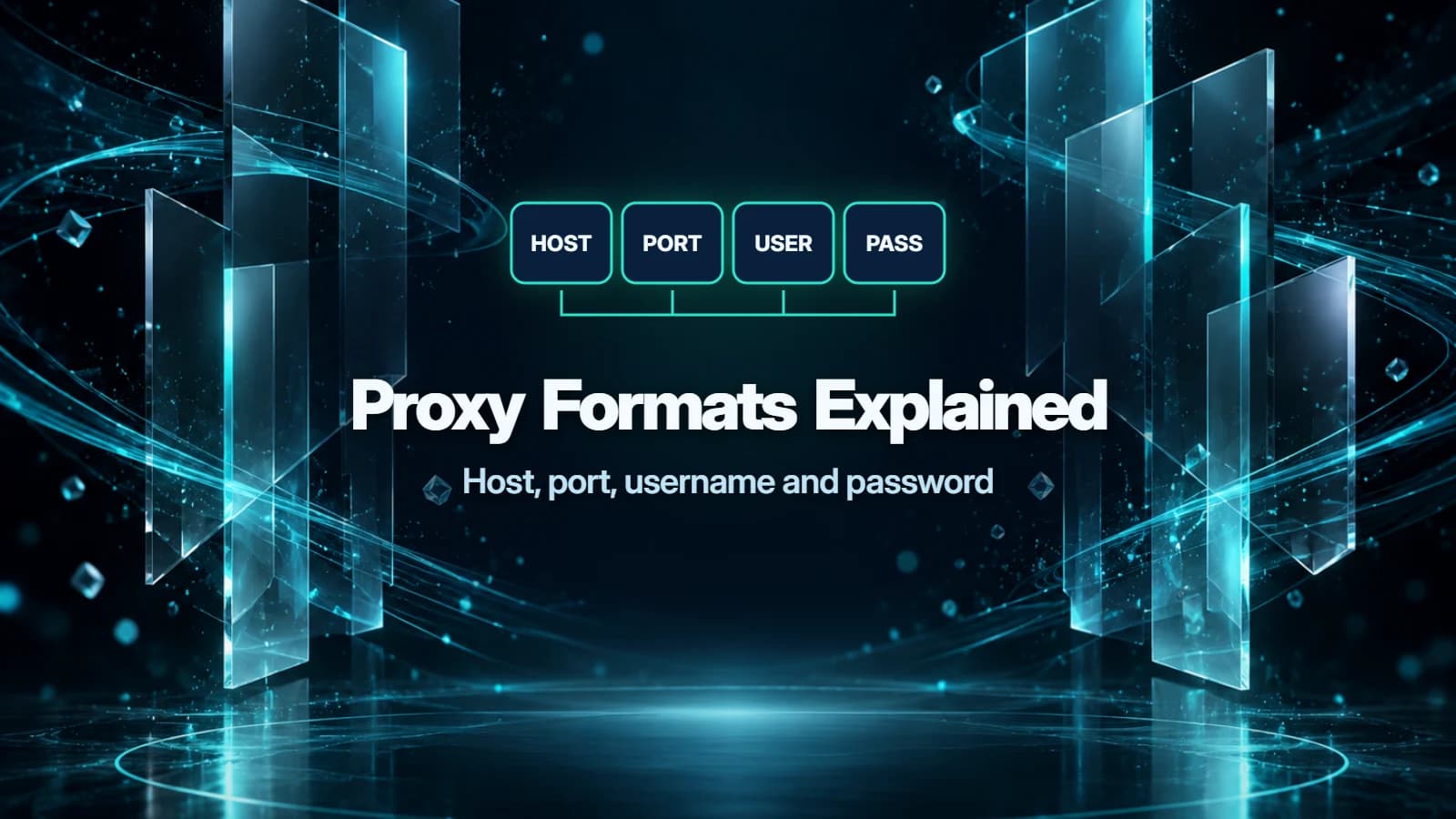
The host:port:user:pass proxy format lists the server address, port, username and password, in that order. To write those details as an HTTP proxy URL, rearrange them to http://user:pass@host:port; use the format your app accepts and the protocol your provider supports.
All examples below are fictional. proxy.example is an example hostname, and demo and sample are example credentials.
Proxy host, port, username and password
- Host: the proxy server's domain name or IP address. A residential gateway can route requests through different exit IPs, so its hostname is not necessarily the address a website sees.
- Proxy port: the service number after the host. Copy the provider's value; changing it can select a different service or stop the connection.
- Username: the proxy account identifier, sometimes including provider-specific settings.
- Password: the secret for proxy access. Use the generated proxy credentials rather than your website sign-in password.
Some proxies authenticate by allowlisting your connecting IP instead. Those configurations can use host:port without a username or password.
Proxy format conversion table
| Format | Fictional example | How to read it |
|---|---|---|
| host:port | proxy.example:8080 | Address and port; authentication handled separately |
| host:port:user:pass | proxy.example:8080:demo:sample | Four-field list or import syntax |
| user:pass:host:port | demo:sample:proxy.example:8080 | Another four-field export order; app-specific |
| user:pass@host:port | demo:sample@proxy.example:8080 | Credentials before the address; protocol unspecified |
| http://user:pass@host:port | http://demo:sample@proxy.example:8080 | HTTP proxy URL |
| https://user:pass@host:port | https://demo:sample@proxy.example:8080 | TLS connection to an HTTPS proxy |
| socks5://user:pass@host:port | socks5://demo:sample@proxy.example:8080 | SOCKS5 URL; client resolves destination names in curl and Requests |
| socks5h://user:pass@host:port | socks5h://demo:sample@proxy.example:8080 | SOCKS5 URL; proxy resolves destination names in curl and Requests |
9Proxy's user-pass guide lists both host-first and credentials-first four-field exports. In ip:port:user:pass, the host is an IP address. Reordering fields preserves their values; selecting another protocol may require a different host or port from your provider.
SOCKS5 proxy format and DNS
In curl and Requests, socks5:// resolves destination hostnames on your client; socks5h:// sends them to the proxy for resolution.
HTTP proxy URL format
An HTTPS website does not require an https:// proxy URL. curl's HTTP proxy guide explains that an HTTP proxy can tunnel HTTPS through CONNECT. An HTTPS proxy instead adds TLS between your client and the proxy itself.
How to find your proxy server address and port
Look in your provider's proxy generator or extracted-proxy list after choosing the product and protocol. Copy the host and port from the same configuration.
For example, LokiProxy's residential documentation describes choosing a host and sub-user, then generating a list in your selected format. For another provider walkthrough, see the NovProxy setup guide.
27Proxy sells activation codes, including NovProxy GB codes and other residential GB codes. An activation code is separate from the proxy endpoint supplied by the provider.
Proxy string format by app
| App | Documented input | Practical detail |
|---|---|---|
| FoxyProxy extension | Type, hostname, port and credential fields | Enter each value separately |
| AdsPower | IP:port:username:password in Host:Port | Select the proxy type first |
| curl | Proxy URL through --proxy; separate credentials through --proxy-user | Use an explicit scheme |
| Python Requests | Scheme-bearing URLs in the proxies mapping | SOCKS requires its optional dependencies |
| Telegram | SOCKS5 link with required server and port parameters | user and pass parameters are optional |
FoxyProxy's help lists SOCKS5 username/password authentication for its Firefox extension only; its Chrome extension cannot use that authentication.
AdsPower's profile guide documents the four-field paste format. Requests requires the URL scheme, even when credentials are absent. A proxy URL beginning http:// can sit under its https destination key.
Telegram documents this separate link layout: tg://socks?server=proxy.example&port=8080&user=demo&pass=sample. Keep credential-bearing links private.
URL-encoding special characters in proxy passwords
In a proxy URL written as scheme://user:pass@host:port, @ separates credentials from the host. Encode it as %40 when it belongs inside a password; curl's proxy reference documents this decoding behavior. A colon can be written as %3A, and a literal percent sign as %25.
For the fictional password pa@ss, the HTTP URL is http://demo:pa%40ss@proxy.example:8080. Encode credential components, not the whole URL, and encode once. This URL-encoding rule applies to the URL form; follow the app's delimiter rules for a colon-separated import list. In a separate password field, enter the original pa@ss unless the app specifies another rule.
Country and session settings inside usernames
Providers can put country and session options inside the username. Thordata's country examples and user-pass guide show these settings within the username portion of proxy URLs. Preserve the complete generated username when converting the string, including its separators and suffixes.
Check your provider's documentation for parameter names. Copying another provider's country or session syntax can change how credentials are interpreted. Changing field order alone does not select a location or make a rotating proxy sticky.
How to test a proxy string
Step 1
Match the endpoint and protocol
Copy a fresh configuration from your provider. Check the host, port, full username and password against the app's separate fields or import format.
Step 2
Make one request
For an HTTP endpoint, this illustrative command separates credentials from the address: curl --proxy "http://proxy.example:8080" --proxy-user "demo:sample" "https://example.com/". Use curl.exe in Windows PowerShell. For real credentials, use a private curl configuration file loaded with --config; curl warns that command-line passwords can be visible to other users. Keep credentials out of shared files and logs.
Step 3
Check the result in the intended app
Use the app's connection check; AdsPower documents Check Proxy. If it fails, compare the imported fields with the original configuration. A successful request checks access to that destination only.
FAQ
What is socks5h?
socks5h is a SOCKS5 URL scheme that tells curl and Requests to send the destination hostname to the proxy for resolution. With socks5, those clients resolve it locally. curl's SOCKS guide explains both forms.
Why does my proxy fail when the password has @?
The @ can be interpreted as a URL delimiter. Encode it as %40 inside URL credentials, or enter the original password in a separate password field.
What port do residential proxies use?
They use the port assigned by the provider for that endpoint and protocol. There is no universal residential-proxy port; copy the generated value rather than choosing one from an example.
Can I paste host:port:user:pass directly into curl?
Use a proxy URL or separate proxy and credential arguments instead. The four-field import layout is not curl's proxy URL syntax.
Does changing http:// to socks5:// convert the proxy?
No. It changes the protocol your client tries to speak. Obtain a SOCKS5-compatible endpoint from your provider before selecting SOCKS5.