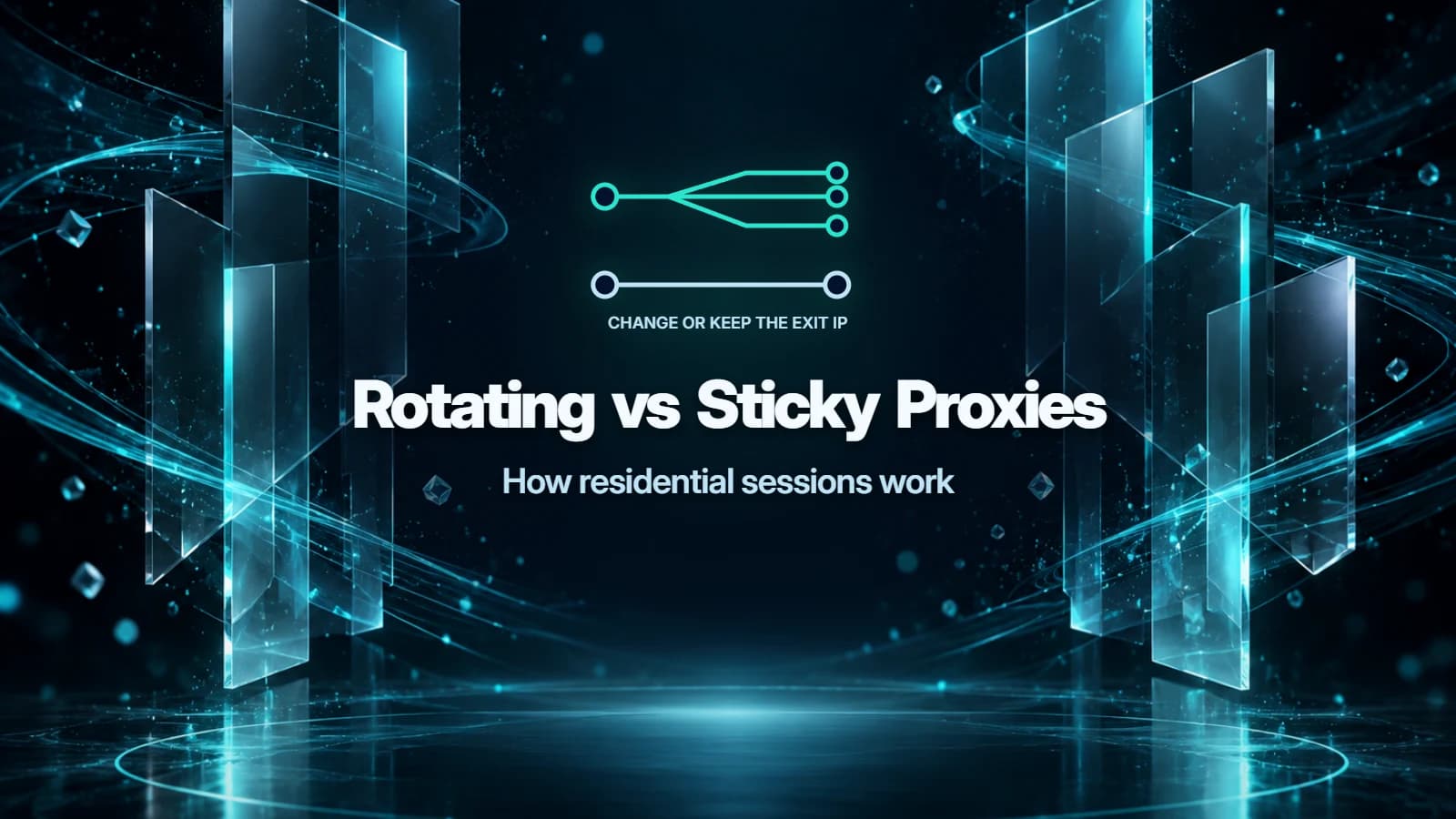
Rotating vs sticky proxies differ in how they reuse exit IPs: rotating sessions change the exit between requests or at a configured interval; sticky sessions reuse it for a set period while it remains available. Choose rotating for independent requests and sticky for a sequence that benefits from a consistent address, such as browsing an authorized account or completing a multi-page workflow.
27Proxy sells activation codes for both NovProxy and LokiProxy as an independent reseller.
How do rotating residential proxies change IPs?
Your client connects to a proxy gateway, which forwards traffic through a residential exit. The website sees that exit's public IP. The gateway address you enter in your tool can stay the same while the exit changes.
This is the idea behind a backconnect proxy: one entry point routes traffic through a pool. Backconnect describes the routing arrangement, while rotating and sticky describe how exits are assigned.
With per-request rotation, each request asks the gateway for a fresh exit. NovProxy's account-and-password guide describes Rotating IP as using a new IP for each request. LokiProxy's residential setup guide describes the same behavior.
Timed rotation groups traffic into a window before changing the exit. A ten-minute interval and per-request rotation are different settings: the former aims to keep an address during that window; the latter changes it between requests. Check which behavior your chosen plan offers.
A rotating proxy suits permitted public-page research where each response stands alone. It does not grant permission to collect data or remove a website's rate limits. Keep requests within the site's published rules, and use its API when that is the supported access method.
How does a sticky session proxy use session IDs?
A sticky session proxy asks the gateway to reuse an exit for related traffic. A session ID is a routing label: gateways can carry it in the proxy username so requests with that label belong together. The exact syntax belongs to the provider; copy its generated configuration rather than transplanting another service's suffixes.
Keep the sticky proxy configuration stable throughout one workflow. If your application generates a new session ID on every request, it is asking for separate sessions instead of continuing the original one.
The proxy session and the website login are separate. Cookies and server-side login state belong to the website. A sticky IP does not create a login, preserve expired cookies or make an account exempt from the website's security checks.
Rotating vs sticky proxies: which should you pick?
| Your task | Start with | Why |
|---|---|---|
| Independent public-page checks permitted by the site | Rotating | Each request can stand alone |
| Comparing regional public content | Either, with location targeting | Location selection and session persistence solve different problems |
| Browsing your own account where proxies are permitted | Sticky | Keeps the network address consistent during the visit |
| A multi-page form or workflow | Sticky | Reduces address changes between related steps |
| Repeated checks of the same workflow | Sticky for each run | Keeps related requests together |
| An application requiring an address across days | A static-IP service | A timed sticky session is temporary |
For regional comparisons, hold the country or city setting constant as well as the session ID. Rotating within one country does not mean every exit is in the same city.
The residential GB category includes traffic-based options such as NovProxy GB and LokiProxy GB. Both product guides describe rotating and sticky access. For redemption and configuration details, use the NovProxy setup guide.
How long does a sticky session last?
Separate the configured duration from the observed lifetime. The proxy session time is the duration requested from the gateway. The lifetime is how long the same exit actually remains usable. A residential node can disconnect before the requested window ends.
NovProxy states that the exit changes after the selected window with the selection conditions retained. Its residential traffic page lists a configurable sticky duration of 1 to 120 minutes.
LokiProxy states that its Sticky IP setting allows a configurable duration. Use the duration offered by the generator for the specific residential product you are configuring.
How to set up rotating vs sticky proxies
Step 1
Decide what must stay together
Identify the requests that form one workflow and choose the session mode. Confirm that the destination permits your intended access.
Step 2
Generate the configuration
Choose the location and session mode in the provider's generator. For sticky mode, choose an available duration that covers the task. Copy the generated host, port and authentication fields into your client.
Step 3
Keep one configuration for the workflow
Preserve the session ID and routing settings while the task runs. Keep the application's cookies separately. Avoid rebuilding the proxy username in a way that changes the session label between requests.
Step 4
Check the exit and handle interruptions
Check the public exit through the configured proxy before starting and at suitable checkpoints. Record timestamps and connection failures alongside address changes. An IP-check request also passes traffic through the proxy, so include it in usage planning.
What happens when a sticky IP drops?
A disconnected residential node cannot continue forwarding traffic. Depending on the gateway's behavior, a later connection may fail or use a different exit. A longer timer cannot keep an offline node connected.
If a workflow stops, check the connection and current exit before repeating an action. For submissions that change data, inspect the destination's result first: a lost response does not prove the server failed to receive the request.
If a site refuses proxy access, use the direct connection or official access method it permits. Switching session modes does not change that policy.
FAQ
How long does a sticky session last?
The configured window is the requested duration; a node disconnection can shorten the usable lifetime. NovProxy states a range of 1 to 120 minutes, while LokiProxy describes a configurable sticky duration.
Can I keep the same IP forever?
No, a sticky residential session is temporary. For an application needing a persistent address, choose a service designed for static IP use and check its allocation terms.
Does rotating use more traffic?
No, changing IPs does not inherently use more data on GB plans: usage follows transferred traffic. Retries, repeated page loads, IP checks, images and downloads can add data in either mode.
Is a sticky session the same as a website login session?
No, a sticky session controls proxy routing, while the website manages login state through mechanisms such as cookies. Keeping an exit IP does not extend the website's login lifetime.
Is a backconnect proxy always rotating?
No, a backconnect proxy can use either rotating or sticky routing. Backconnect describes the entry point and pool routing; the session configuration controls exit assignment.